Overview
Gallery shows the images in your current query, laid out the way a photo library does it. Switch the view from grid to gallery and there they are.
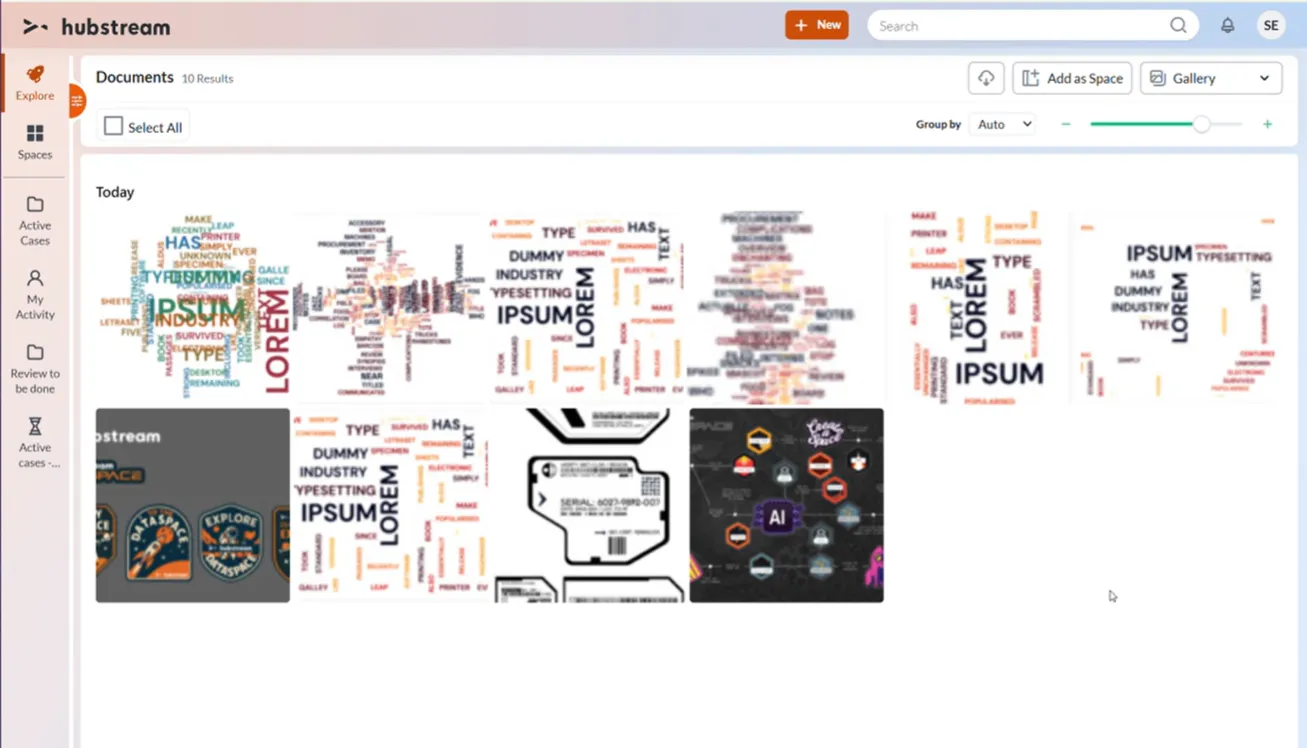
Ten documents as a gallery. Group by is on Auto, the slider sets thumbnail size, and the images sit under a date heading.
It’s true to the dataset. If your records have images, you see them. If they don’t, the gallery is empty — it doesn’t go looking elsewhere.
Choosing what appears
The gallery shows the images in the query you’re already on, so navigate to the records you care about first, then switch to Gallery.
Working with the images
- Zoom in and out to change how big the thumbnails are.
- Group by date — day, month, or year. It’s automatic by default, and you can change it from the toolbar.
- Selection works as it does everywhere else, Select All included, and the usual actions appear once you’ve selected something.
Opening an image
Click an image and you get a simple viewer with some basic metadata, and you can move back and forth through the rest from there.
Open entity takes you to the image record itself, where every property on it is available.
In a Summary tile
The gallery isn’t only a full-page view. The same thumbnails render inside a Summary tile, so a record’s images can sit alongside its other summary content instead of needing a view of their own.
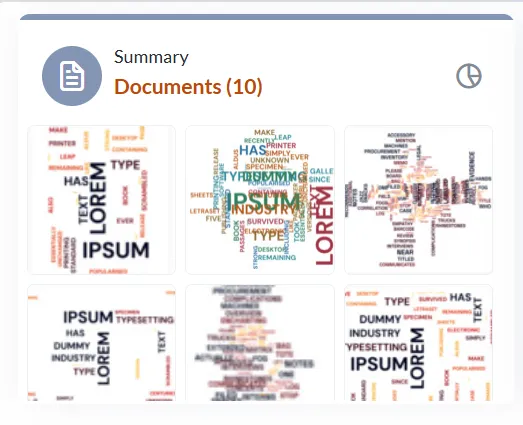
The same images in a Summary tile, headed with the record count.
Known limitations
- It doesn’t replace the existing image viewer yet. That job may need a space of its own.
- The gallery follows the current query exactly. That’s deliberate for now, but it’s the part most likely to change — being able to widen what the gallery reaches would make it useful in more places.